-
Shop
- Advanced Technologies
- AI Career Advantage Collection
- AI Skills
- AI Skills for Creators & Freelancers
- AI Client Management
- AI Ethics
- AI Mindset
- AI Tools & Prompts
- AI Writing & Content Creation
- Audio, Voice & Music
- Design & Visual Creation
- Email, Messaging & Communication
- Freelancing & Business
- Marketing, Ads & Conversion
- Productivity, Workflow & Automation
- SEO & Search Optimization
- Social Media Content & Growth
- Strategy, Planning & Analytics
- Video Creation & Editing
- AI Skills Mastery 2026 Collection
- Car Accessories
- Confidence
- Dating & Social Skills
- Digital Resources
- AI & Technology
- Beauty
- Budgeting & Saving
- Car Buying & Ownership
- Cozy Feast Collection
- Electronics & Technology
- Entrepreneurship & Business Growth
- Financial Education
- Financial Independence
- Financial Mindset & Psychology
- Goal Setting
- Home Styling & Organization
- Kitchen & Recipes
- Leadership
- Mindfulness
- Mindset
- Online Business
- Parenting & Child Development
- Personal Style & Fashion
- Pet Lifestyle & Wellness
- Positive Thinking
- Sleep Improvement
- Smart Life with AI
- Stress Management & Relaxation
- Travel Planning
- Wellness
- Yoga & Fitness
- Yoga & Mind-Body Practices
- Education & Learning
- Family & Parenting
- Fashion
- Accessories
- Alexander McQueen
- Bags
- Bags & Wallets
- Belts
- Blazers
- Bottega Veneta
- Bottoms
- Brunello Cucinelli
- Chloé
- Clothing
- Dolce & Gabbana
- Dresses
- Etro
- Hats & Hair Accessories
- Hoodies & Sweatshirts
- Jacquemus
- Jil Sander
- Kiton
- Luggage
- Miu Miu
- Off-White
- Outerwear
- Rick Owens
- Scarves
- Socks & Tights
- Sweaters & Cardigans
- The Row
- Tom Ford
- Tops & Shirts
- Valentino Garavani
- Vivienne Westwood
- Watches
- Fashion Accessories
- Furniture
- Gadgets
- Health & Beauty
- Health & Wellness
- Home & Garden
- Home Supplies
- Jewelry
- Kids & Babies
- Kitchen
- Kitchen Best-Sellers
- Lighting
- Luxury Brands Collection
- Online Business for Beginners
- Patio, Lawn & Garden
- Personal Growth
- Pet Care
- Pet Supplies
- Pets
- Shoes
- Smart Amazon Shopping
- Smart Home Living Guides
- Sport & Outdoors
- Super Deals
- TikTok Growth & Monetization Mastery
- Travel
- Travel & Adventure
- Wealth
- Popular
- Best deals
ChatGPT Privacy Checklist: Share Less, Stay Safer
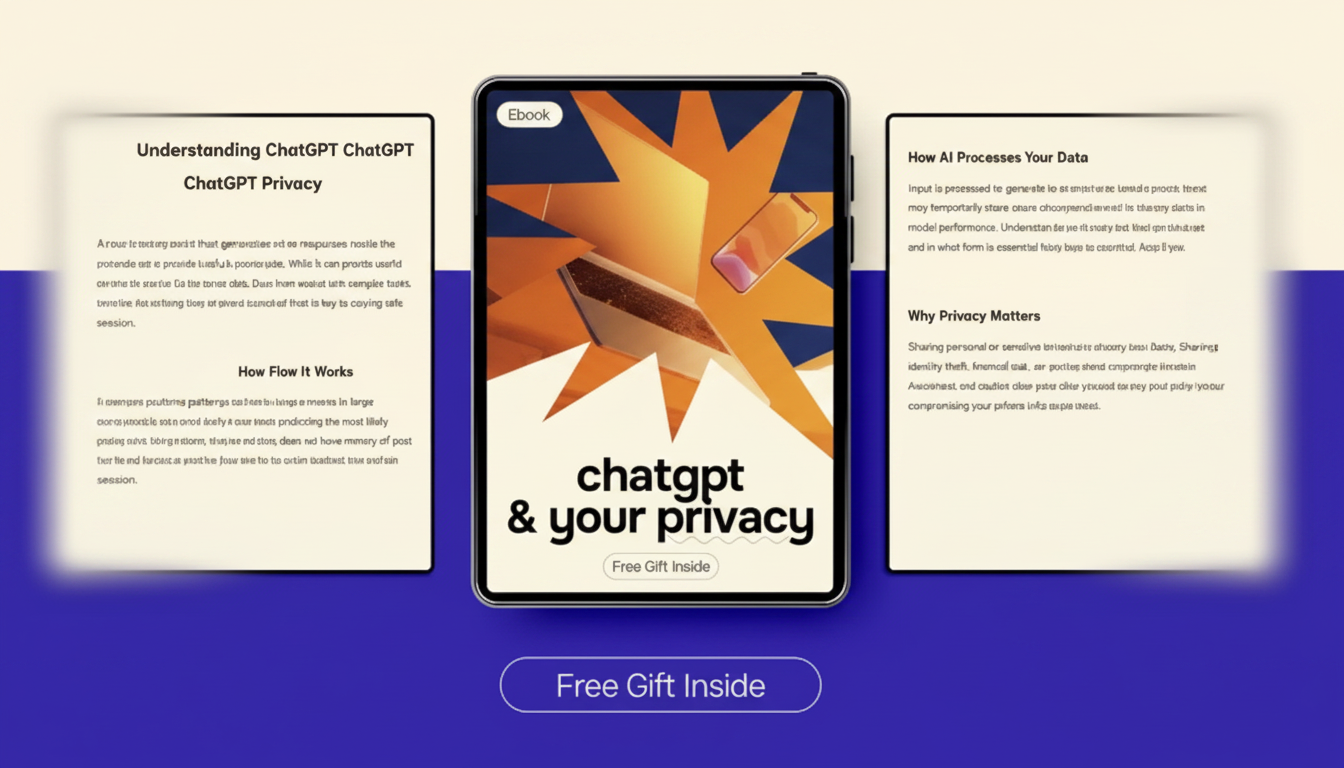
ChatGPT & Your Privacy: Practical Ways to Use AI Without Oversharing
Using ChatGPT for personal tasks or business work can be convenient, but privacy depends on what gets shared, how accounts are configured, and whether sensitive data is minimized. The safest day-to-day approach is simple: assume anything you paste could be exposed later through account access, exports, logs, device syncing, or connected tools—then share only what’s necessary to get the job done.
What “private information” means in real life
“Private” isn’t just secrets—it’s any data that can identify a person, unlock an account, or reveal non-public business details. Common categories include:
- Personal identifiers: full name + address, phone numbers, government IDs, passport numbers, driver’s license numbers
- Financial data: card numbers, bank account details, tax records, payroll info, invoices with customer identifiers
- Health and HR data: medical details, employee performance notes, disciplinary records, benefit documents
- Credentials and access: passwords, MFA backup codes, API keys, private repo links, internal admin URLs
- Business confidentials: pricing strategy, non-public financials, client lists, contracts, legal memos, unpublished product plans
If you wouldn’t post it in a public forum—or you’d be required to report a breach if it leaked—it belongs in the “don’t share” bucket unless you have explicit organizational approval and the right controls in place.
How information can spread when using AI tools
- Provider retention and review: Chat content may be stored and reviewed depending on provider settings and policy; retention and training options vary by plan and configuration. Check the provider’s policy and controls (see OpenAI Privacy Policy).
- Account-level exposure: Shared logins, weak passwords, missing MFA, or a compromised email account can reveal chat history and past uploads.
- Device and browser leakage: Saved sessions, autofill, clipboard history, screenshots, and synced notes can unintentionally preserve sensitive text.
- Third-party integrations: Plugins, extensions, and connected apps can receive whatever you paste into a chat—sometimes more broadly than expected.
- Human workflow drift: AI output copied into tickets, emails, and docs can accidentally include confidential context (names, order numbers, internal links) you forgot were in the prompt.
For a grounded way to think about privacy risk and controls, the NIST Privacy Framework is a solid reference point, and the FTC’s guidance on protecting personal information offers practical protection habits that apply to AI accounts too.
A practical “share / don’t share / share with safeguards” checklist
- Default to minimal disclosure: Provide only the details needed to get a useful answer.
- Use abstraction: Replace real names, locations, and identifiers with placeholders (Client A, Product X, Region 2).
- Summarize instead of pasting: Describe the issue in your own words rather than uploading the full document.
- If exact text is needed: Remove identifiers first and strip metadata before sharing.
- Assume retrievability: Treat pasted data as potentially accessible later via account access, exports, or logs.
| Type of content | Safer approach | Avoid sharing |
|---|---|---|
| General questions and concepts | Ask directly with no personal context | — |
| Emails and messages for editing | Replace names, companies, and dates; remove signatures | Full customer email threads with identifiers |
| Business strategy brainstorming | Use high-level constraints and hypothetical numbers | Non-public financials, customer lists, contract terms |
| Code help and debugging | Paste minimal reproducible snippets; rotate keys after testing | API keys, secrets, proprietary full repositories |
| Legal/HR/medical scenarios | Use anonymized summaries; confirm with a professional | Medical records, HR files, legal privileged documents |
| Payments and identity | Describe the problem without numbers or scans | Card numbers, bank details, SSNs/IDs, passport scans |
Personal use: common scenarios and safer patterns
- Resume and cover letters: Remove full address/phone; use a city or region until final export. If you want tailoring suggestions, share job requirements and your skills—skip employer contact lists and reference details.
- Family and relationship advice: Keep names and identifiable details out; focus on behaviors, timelines, boundaries, and what you want to communicate.
- Health questions: Describe symptoms generally; avoid attaching lab results, medical record numbers, or provider details. If you need help drafting questions for a doctor, keep it non-identifying.
- Schoolwork and tutoring: Share the problem statement, not student IDs or private school portal content; avoid uploading graded feedback with names or teacher notes.
- Travel and planning: Share preferences and budgets as ranges; avoid booking confirmations, full itineraries with locator codes, and passport numbers.
Business use: roles, data classes, and approval rules
Account settings and workflow habits that reduce risk
When the safest choice is not to use ChatGPT for the task
Practical eBook guide for privacy-first ChatGPT use
- ChatGPT & Your Privacy – Practical eBook Guide (templates, “share vs. redact” examples, and team-friendly checklists)
- PayPal for Buying a Car: The Ultimate Guide (helpful for safer payment workflows and avoiding common financial data mistakes during big purchases)
FAQ
Is it safe to paste private information into ChatGPT?
It depends on how sensitive the data is, what account settings and retention options apply, and whether your organization allows that type of sharing. A safer baseline is to minimize, anonymize, and avoid regulated data and credentials entirely.
Can ChatGPT see my files, emails, or passwords?
ChatGPT only sees what you provide in the conversation or through any connected tools you authorize. Risks typically come from integrations, browser extensions, accidental pasting, and account compromise—so use MFA and never share credentials.
How can a business let employees use ChatGPT while protecting customer data?
Use a data-class policy, require redaction/anonymization, and provide templates so employees know exactly what to remove. Pair that with separate accounts, MFA, approved use cases, and a review step for customer-facing output.














Leave a comment